
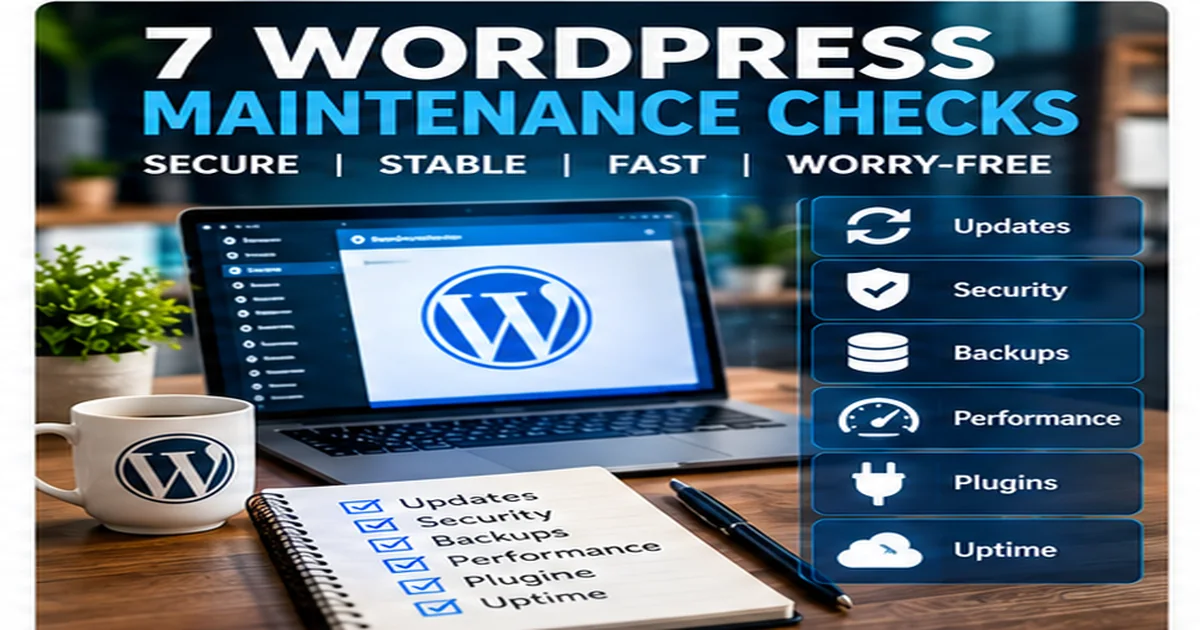
A WordPress website can continue running for months without attention — until something breaks. Good maintenance is about reducing that risk and spotting small problems before they become expensive ones.
Simply logging in and pressing every available update button is not a maintenance strategy. A business website needs a repeatable set of checks.
1. WordPress core, themes and plugins
Updates often contain bug fixes, compatibility changes and security improvements. They should be applied regularly, but important sites should be backed up first. After updates, key pages and functions should be checked rather than assuming everything still works.
2. Reliable backups
A backup is useful only if it contains what you need and can actually be restored. The database and website files both matter. For WooCommerce and frequently updated sites, the appropriate backup frequency may be higher than for a small brochure website.
3. Security and suspicious activity
Maintenance should include looking for unexpected administrator accounts, unusual file changes, repeated login attempts and other signs that deserve investigation. Strong passwords, sensible user permissions and keeping software current all reduce avoidable risk.
4. Contact forms and enquiry routes
A beautiful contact form is worthless if its messages are not arriving. Forms, quote requests, checkout flows and important email notifications should be tested periodically. The same applies to WhatsApp buttons, telephone links and other conversion paths.
5. Website speed
Performance can deteriorate over time as new plugins, tracking scripts and oversized images are added. Regular checks can identify pages that have become unnecessarily heavy. Image optimisation, caching and reducing unused functionality can often help.
6. Broken links and missing pages
Old links, deleted pages and changed URLs create a poor experience and can waste search traffic. Important internal links should be checked, and legitimate old URLs should be redirected when there is a relevant replacement.
7. The website as a customer sees it
This is the check that is easiest to forget. Open the website on a phone and desktop without relying only on the WordPress dashboard. Is the navigation clear? Are there layout problems? Is the contact information current? Does the site still reflect what the business actually offers?
Maintenance should be preventative
The best time to discover that backups do not work is not after a website failure. The best time to discover that an enquiry form is broken is not after weeks of lost leads.
Regular WordPress maintenance gives a business a better chance of catching these issues early while keeping the site updated and usable.
ADAN Web offers ongoing maintenance for businesses that would rather have these checks handled for them. View WordPress Maintenance plans or ask a question first.